The minimal task list for one.

Most task apps are built for teams. Tasksmart is for the rest of us — one person, one list, one place to think.

Try it now →

Free. Works in any browser. Sign in with your email.

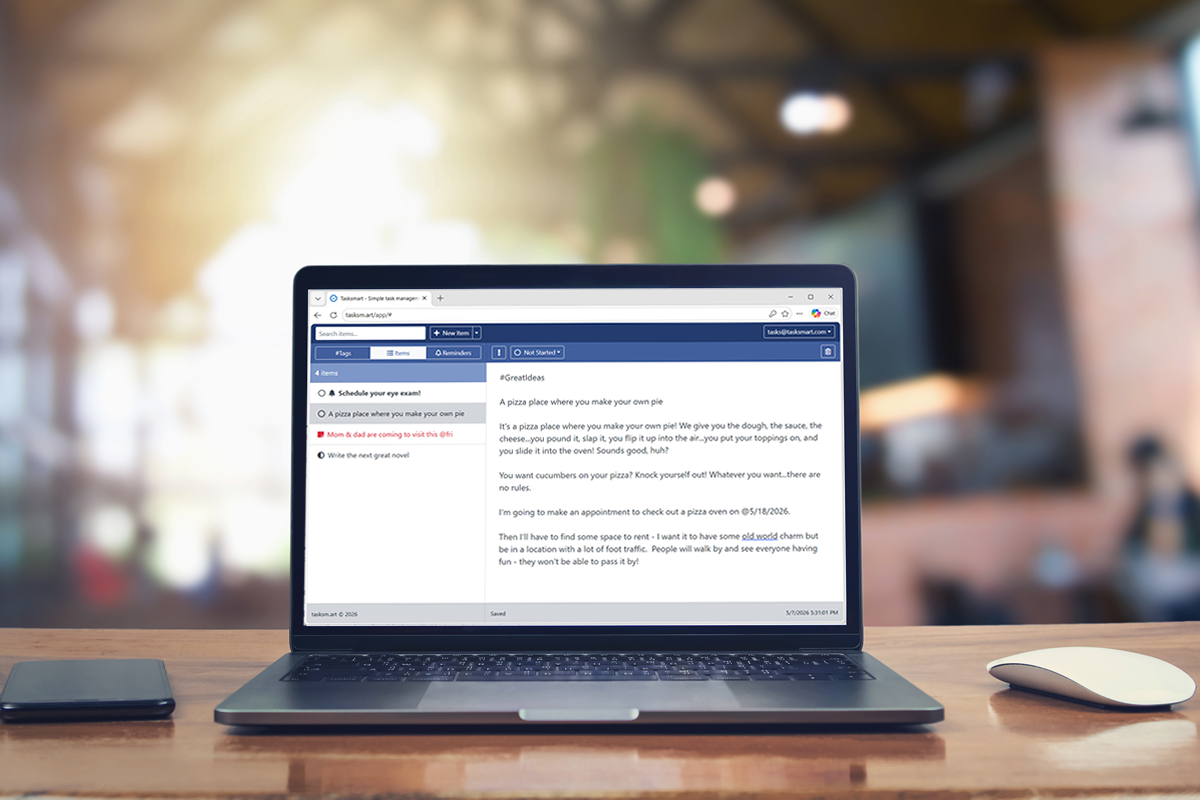
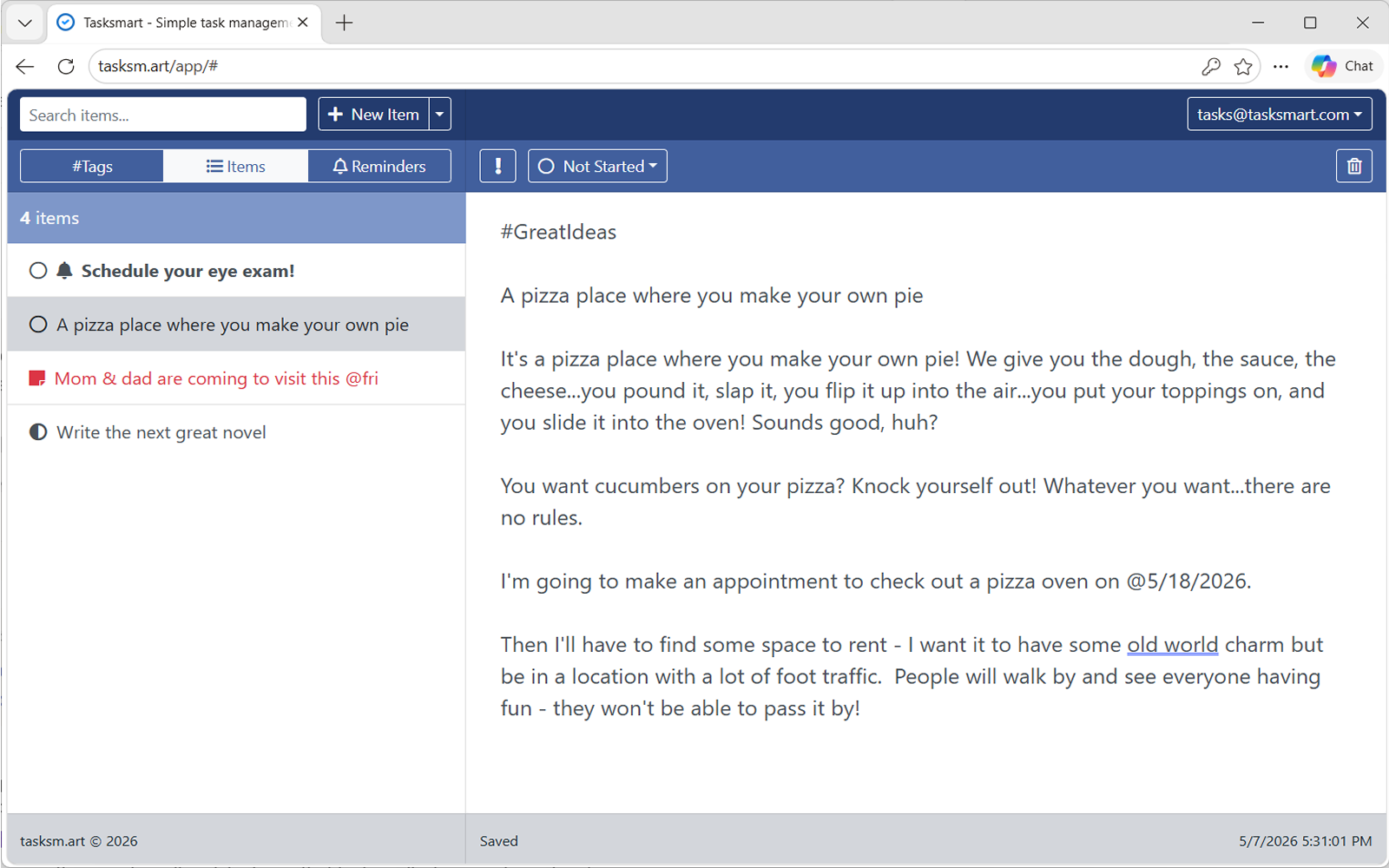
Tasksmart desktop view showing a list of items on the left and item details on the right.

Built for the way you actually think.

Type hashtags. They organize themselves.

Just write naturally. Drop #JohnSmith or #kitchenreno anywhere in an item and Tasksmart files it under that tag automatically. One item can belong to as many tags as you like — no separate tag-picker, no dropdowns, no setup.
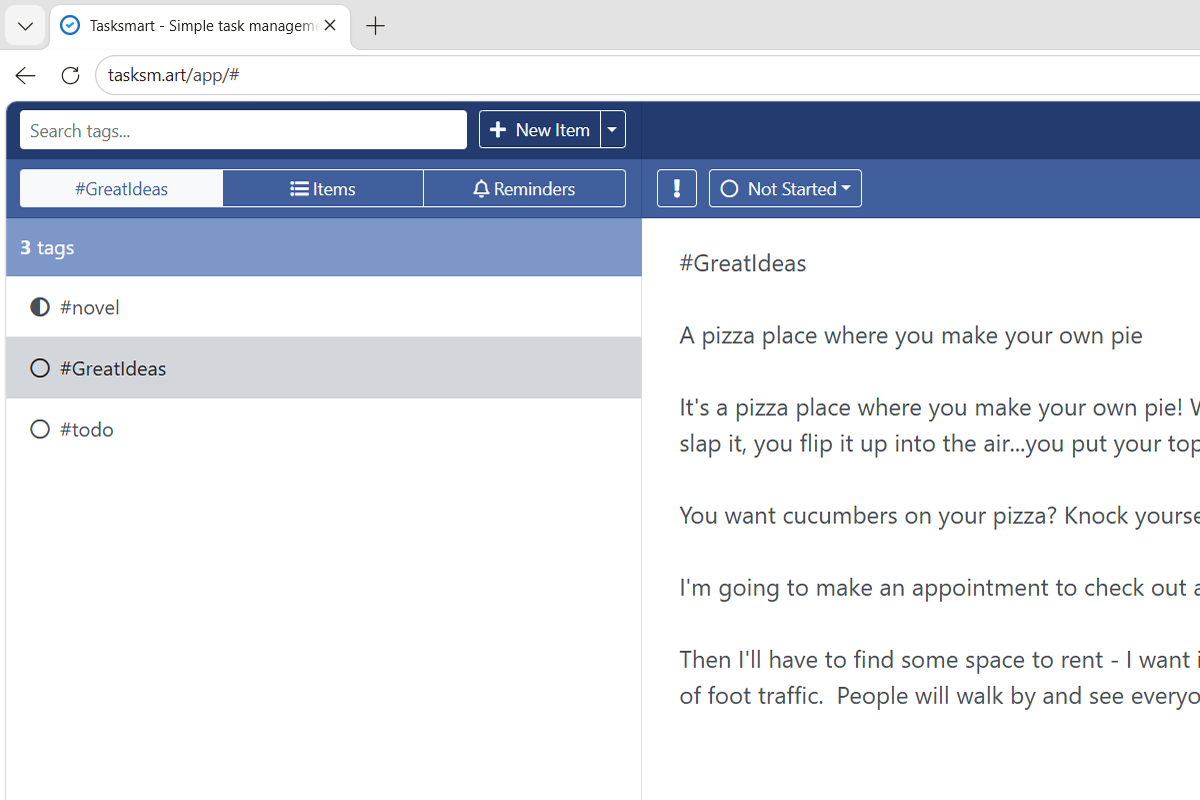
An item being typed with inline hashtags, and a sidebar listing those tags.

Schedule reminders right inside your text.

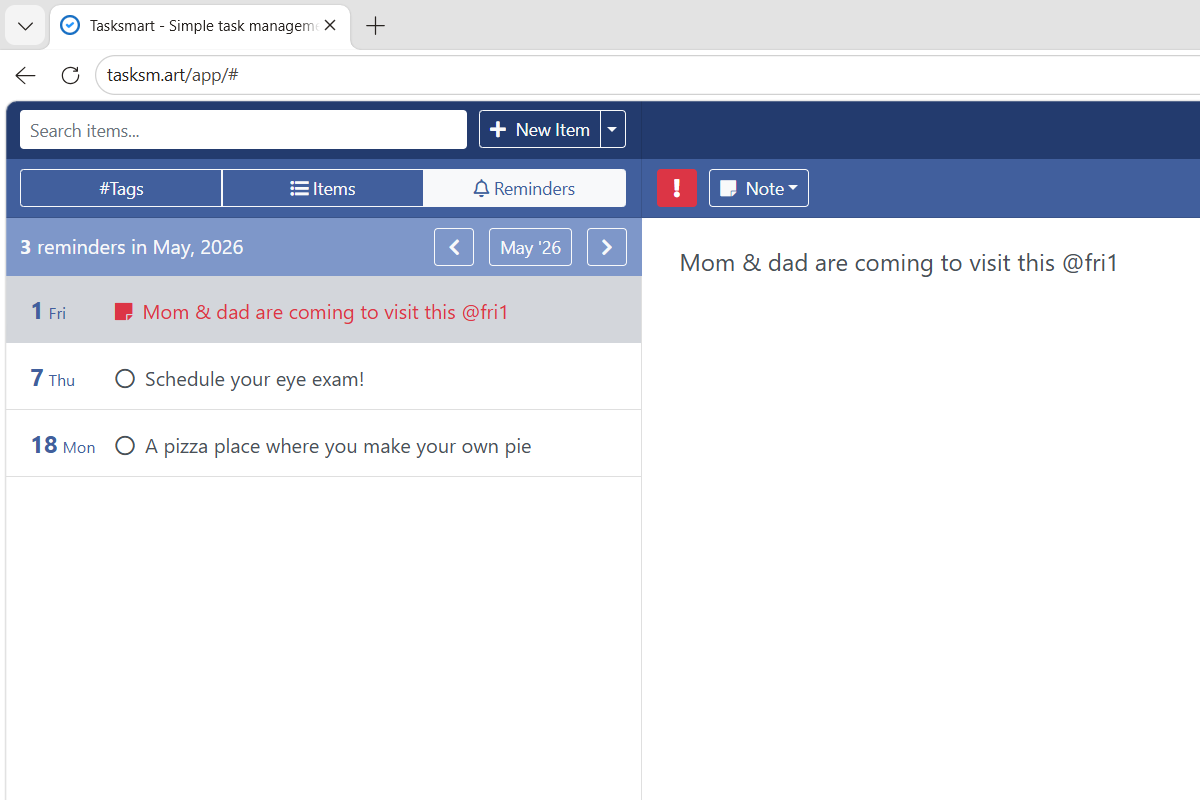
Type @ followed by a date or pattern. Tasksmart understands one-offs, weekdays, monthly recurrences, and intervals.

  • @7/15/2026 — one specific day
  • @mon — every Monday
  • @1 — the first of every month
  • @mon2 — the second Monday of every month
  • @7/15/2026+14 — every two weeks from a date
The reminders view showing items grouped by date with @-syntax visible.

Notes, tasks, and reminders in one stream.

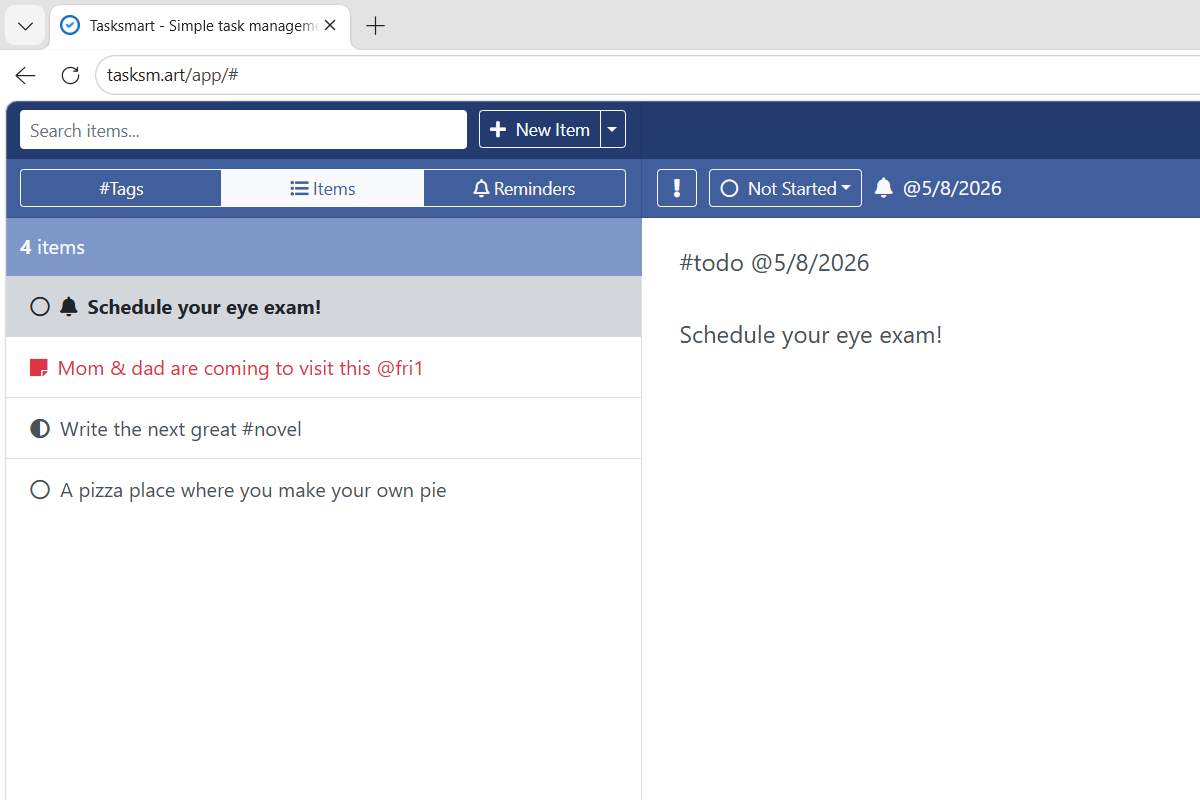
Every item can be a note, a to-do, or a recurring reminder — you decide. Mark something Important when it matters. Move through statuses (Note → Started → Completed) only when you want to. No mode-switching, no dedicated apps for each kind of thought.

A list mixing notes, in-progress tasks, and reminders together.

Why Tasksmart.

There are great task apps out there. Tasksmart isn’t trying to replace them.

Heavy-duty project tools

are great for teams. They ask you to set up boards, statuses, and assignees before you do anything.

Note-taking apps

are great for systems. They turn everything into a graph or a wiki you have to maintain.

Tasksmart

is great for getting today done. Open it, type, close it. That’s the loop.

Phone in the morning, laptop at lunch.

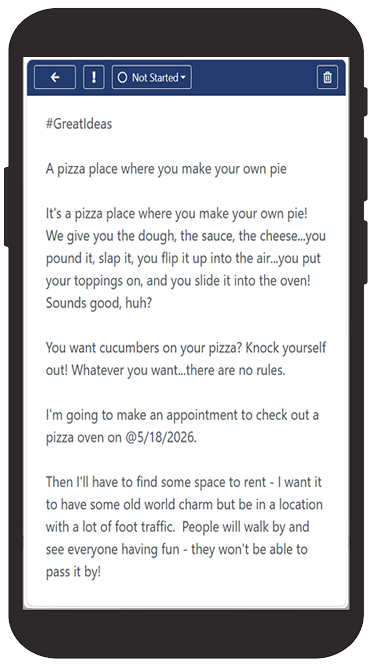
Tasksmart syncs in real time across devices. Add an item on your phone in line at the coffee shop — it’s waiting on your laptop when you sit down.

Tasksmart on a phone, showing the list view.
Tasksmart on a laptop, showing the same list.

One person. One list. One place.

Try it now →

Free. No credit card. Sign in with your email.